
Tuling Corporate HRMS module
People Directory & Onboarding
Load your people from a spreadsheet, give them logins in one click, and bring new joiners in with a checklist that HR can reshape.
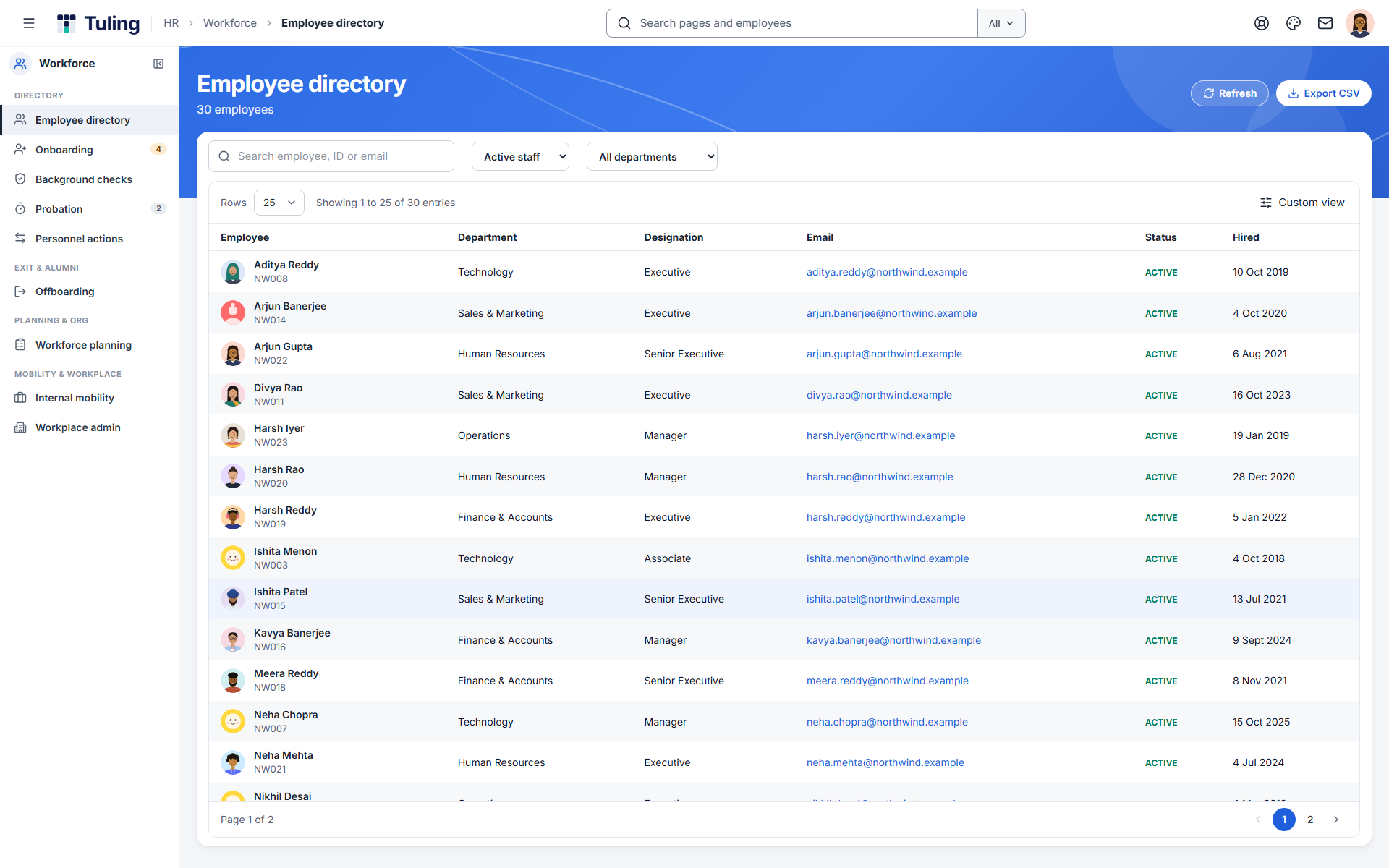
People Directory & Onboarding in action
Screens from Tuling HRMS. Select one to view it full size.
About this module
Setting up should take an afternoon. The company admin sees what is left on a Getting started list, loads the people, and hands the day-to-day to HR.
Capabilities
-
Employee directory
Search and filter people by department, designation and status, with an Excel export.
-
Upload from a spreadsheet
Load people, leave balances and salaries from a spreadsheet. A check step shows exactly what will happen before anything is saved, and unknown designations are created for you.
-
Logins in one click
Create logins for everyone who has none. Each person gets a one-time password, and the list can be downloaded to hand out.
-
Roles and access
Decide who is HR, who manages a team and who approves. A person sees the screens their roles allow.
-
Onboarding plans
A default 13-step plan for new joiners, due dates relative to the start date, with owners such as the new hire, manager, buddy, IT, finance and HR.
-
HR chooses the templates
When HR onboards a person they choose the salary template and leave policy for that person. Nothing is assigned automatically.
FAQ